Troubleshooting Guide -Remedi
Use this guide to identify common problems and determine whether the unit can be repaired in the field or must be returned to Phoenix Imaging for service.
Error Codes
When an error code appears on the display, the problem generally cannot be corrected in the field. The unit will need to be sent in for inspection and repair.
Please complete the Repair Request Form to begin the repair process.
Battery Problems
The battery powers all functions of the unit. As the battery ages through normal use, its capacity gradually decreases.
A weak or failing battery may cause the following symptoms:
The unit turns off during an X-ray exposure, but no error code appears.
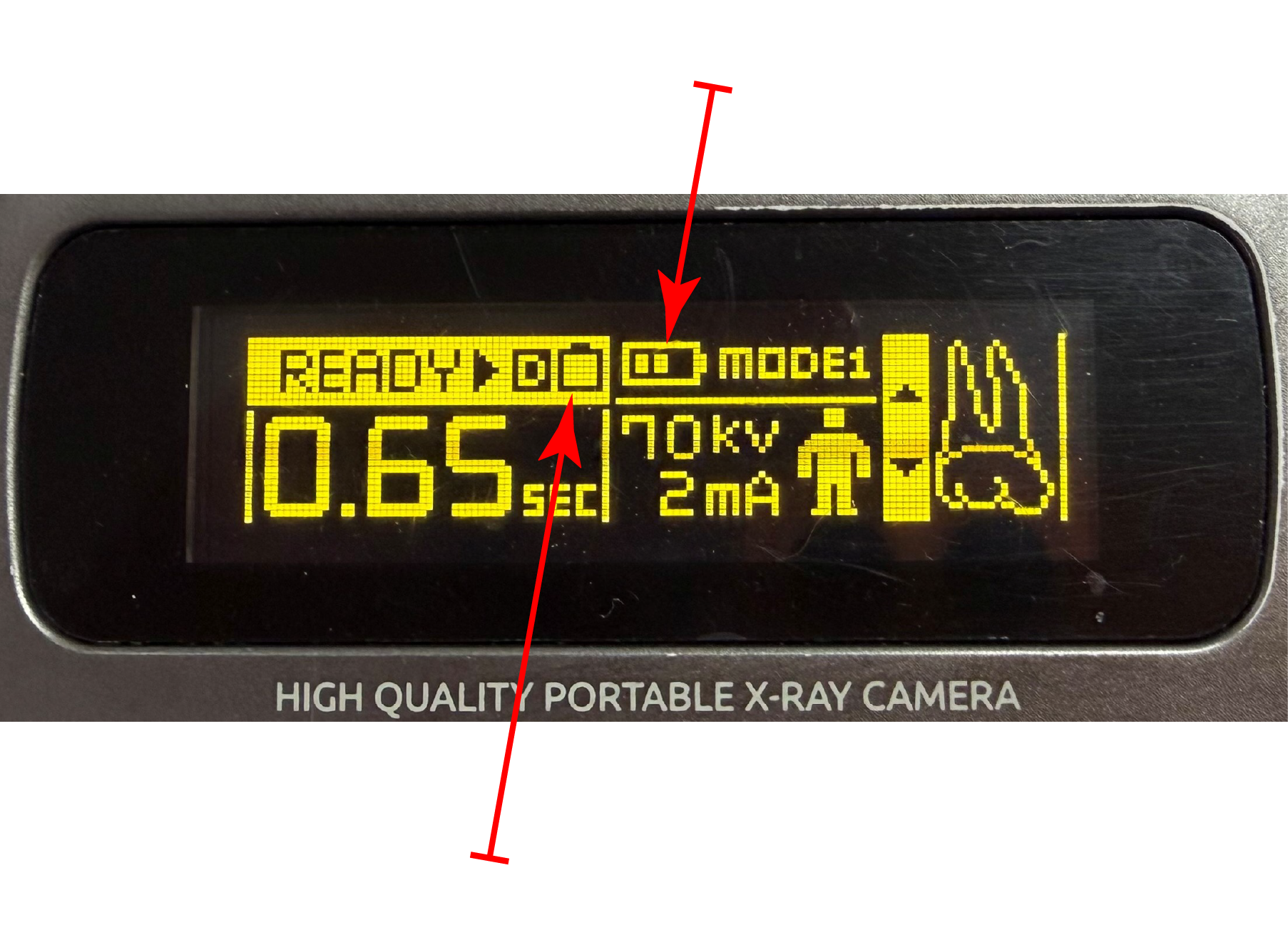
The battery indicator reaches only one or two bars, even after an extended charging cycle.
The unit requires charging more frequently than before.
Other signs that the battery needs replacement is swelled form (fresh battery is rectangular).
The replacement battery order number is T1001BA.
Charging-Port Problems
The connector where the charging cable plugs into the unit is called the charging port.
Repeatedly inserting or removing the charging cable with excessive force can damage the charging-port circuit board over time.
Signs of a damaged charging port include:
The charging icon remains on after the charging cable has been disconnected.
The charging icon does not appear when the charging cable is connected.
The charger LED turns on and off when the connected cable is gently moved.
The unit charges intermittently or does not charge at all.
The charging-port circuit board cannot be replaced in the field. Please complete the Repair Request Form to have the unit inspected and repaired.
Cone Damage
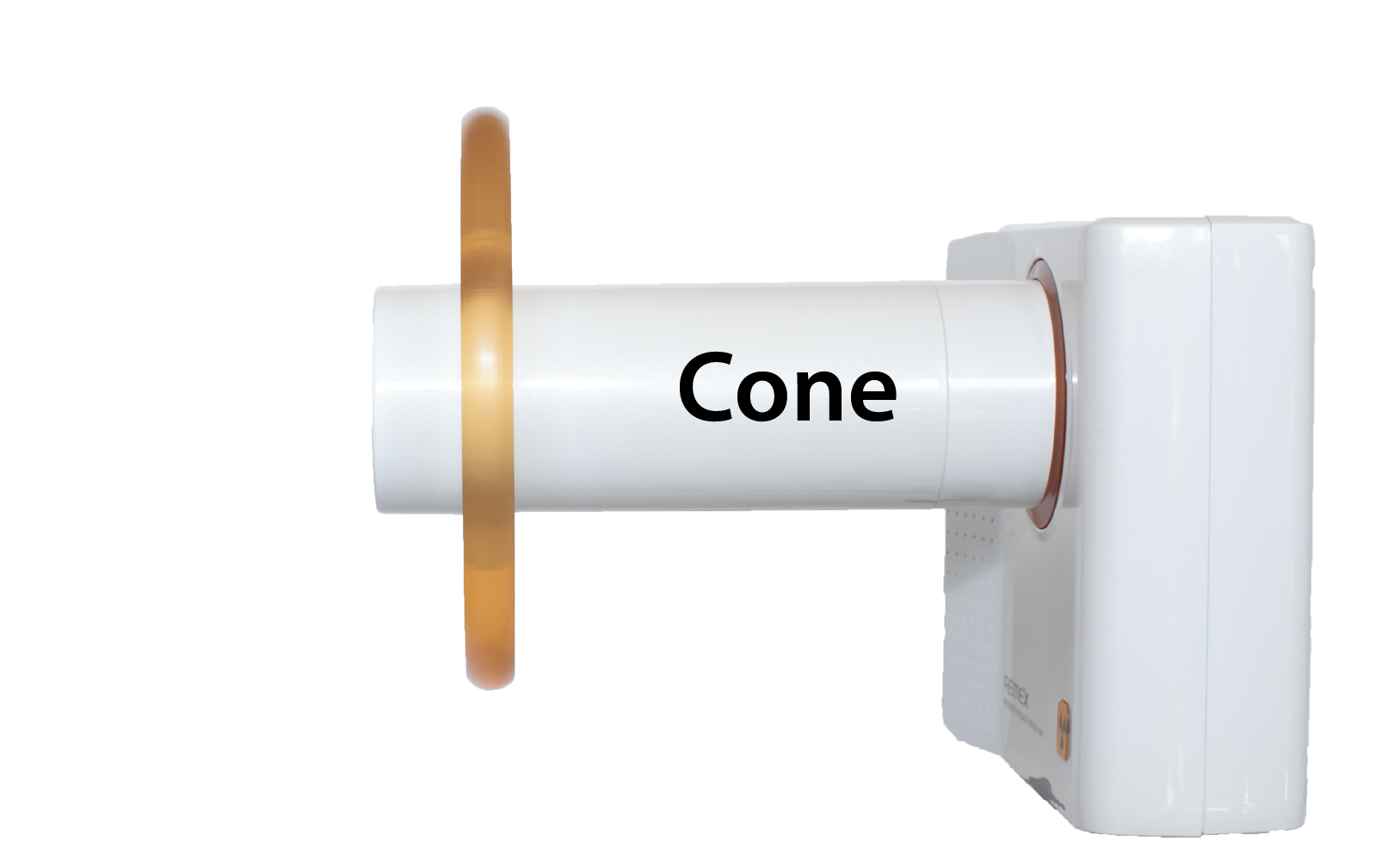
An impact or accidental drop can sometimes loosen or dislodge parts of the cone.
The End Cap and Radiation Shield can be replaced in the field. The End Cap is threaded onto the cone. Turn it counterclockwise to remove it. Once the End Cap has been removed, the Radiation Shield can also be replaced.
If the long section of the cone becomes loose where it connects to the main body of the unit, do not continue using the device. The unit must be sent in for inspection and repair.
Replacement-part order numbers:
End Cap: T1001EC
Radiation Shield: T1001RS
Button Damage
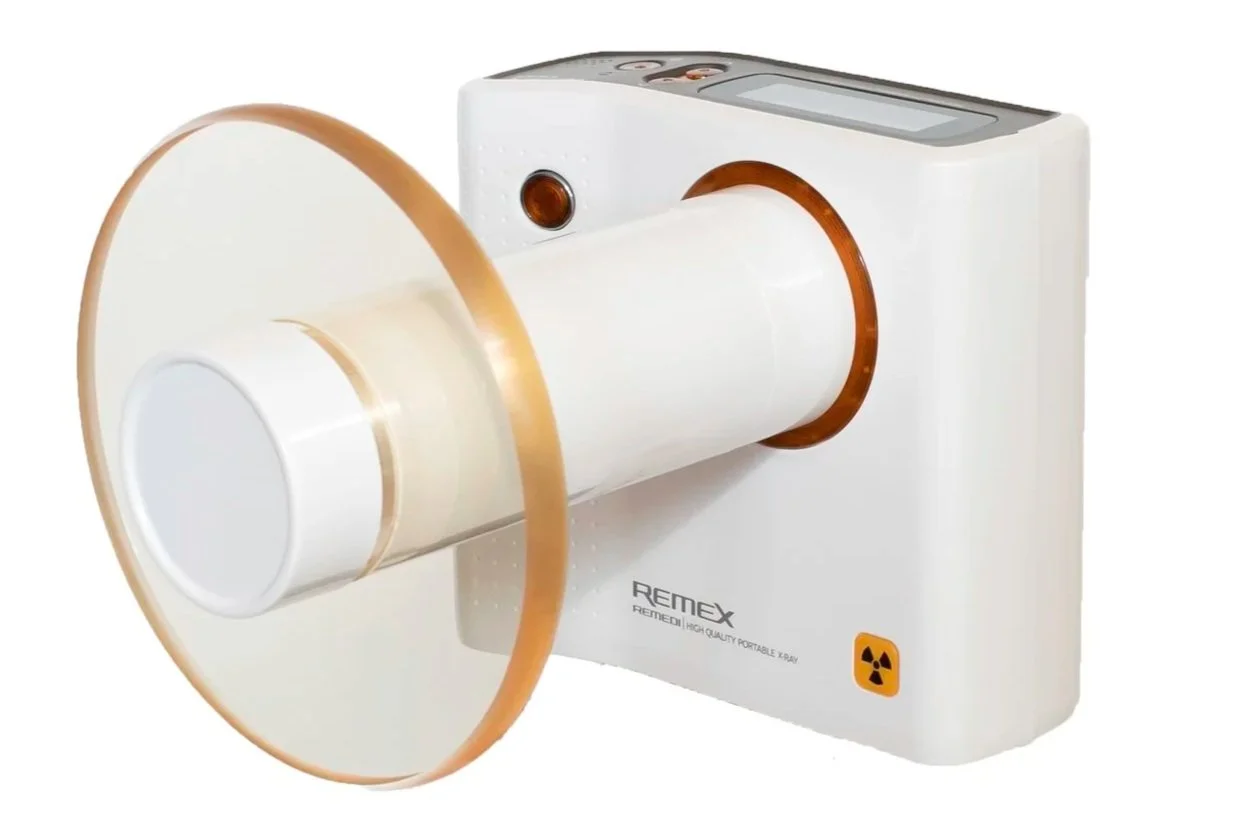
The orange control buttons cannot be replaced in the field.
If a button is damaged, loose, stuck, or no longer functions properly, please complete the Repair Request Form.